




Description
Product Overview
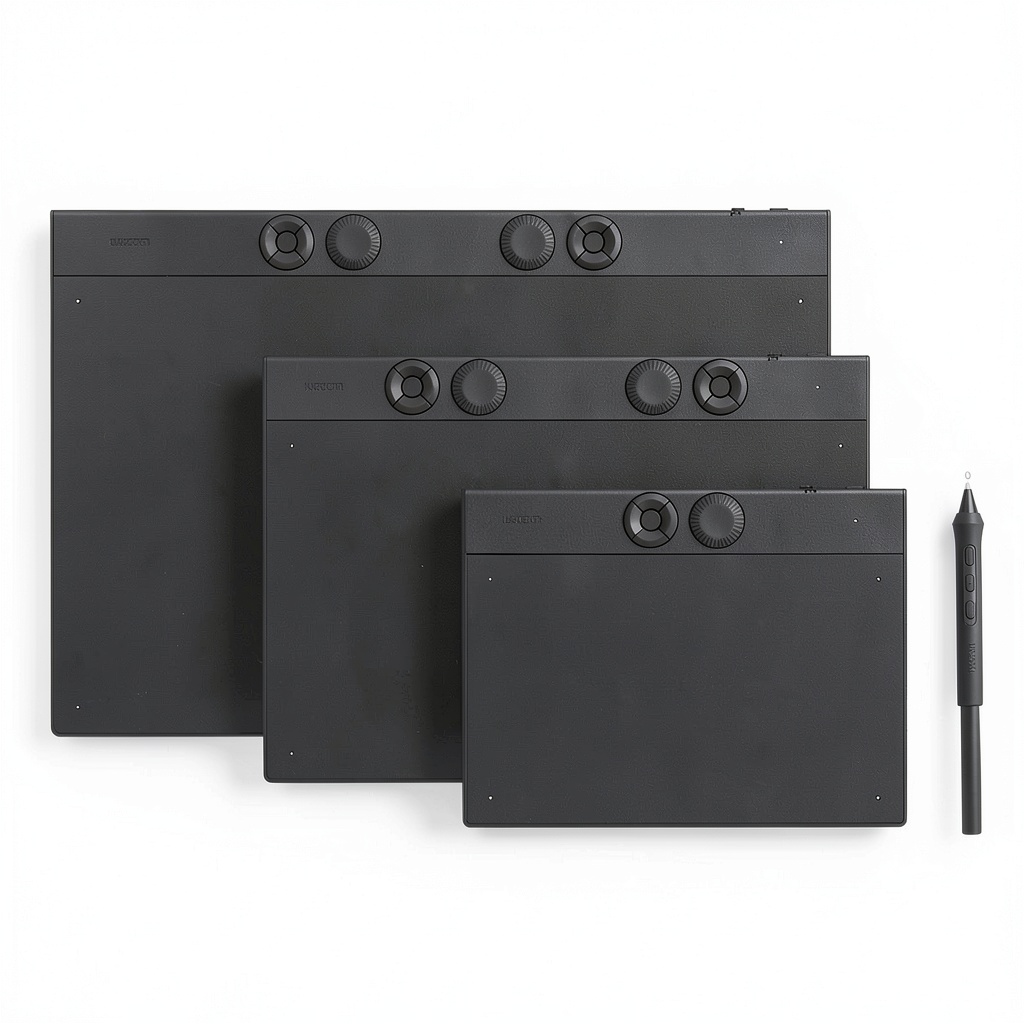
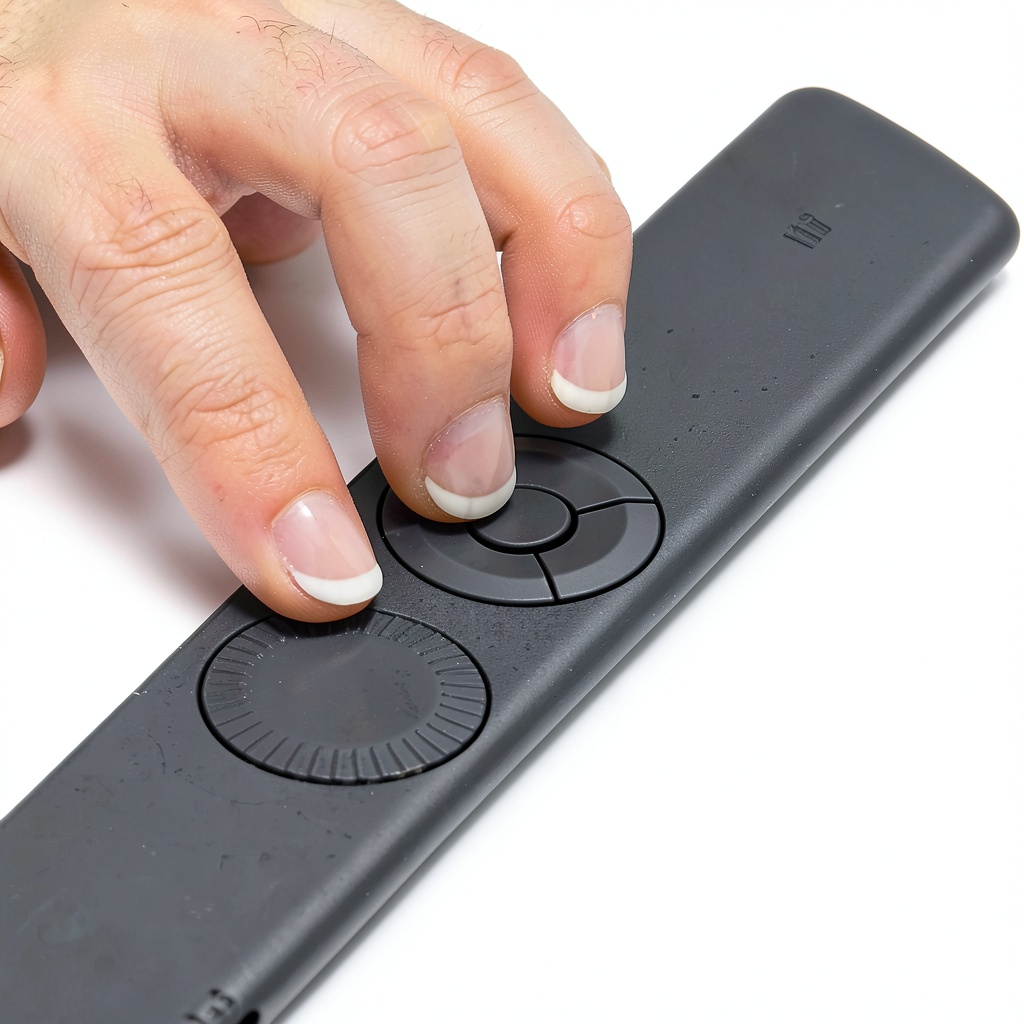
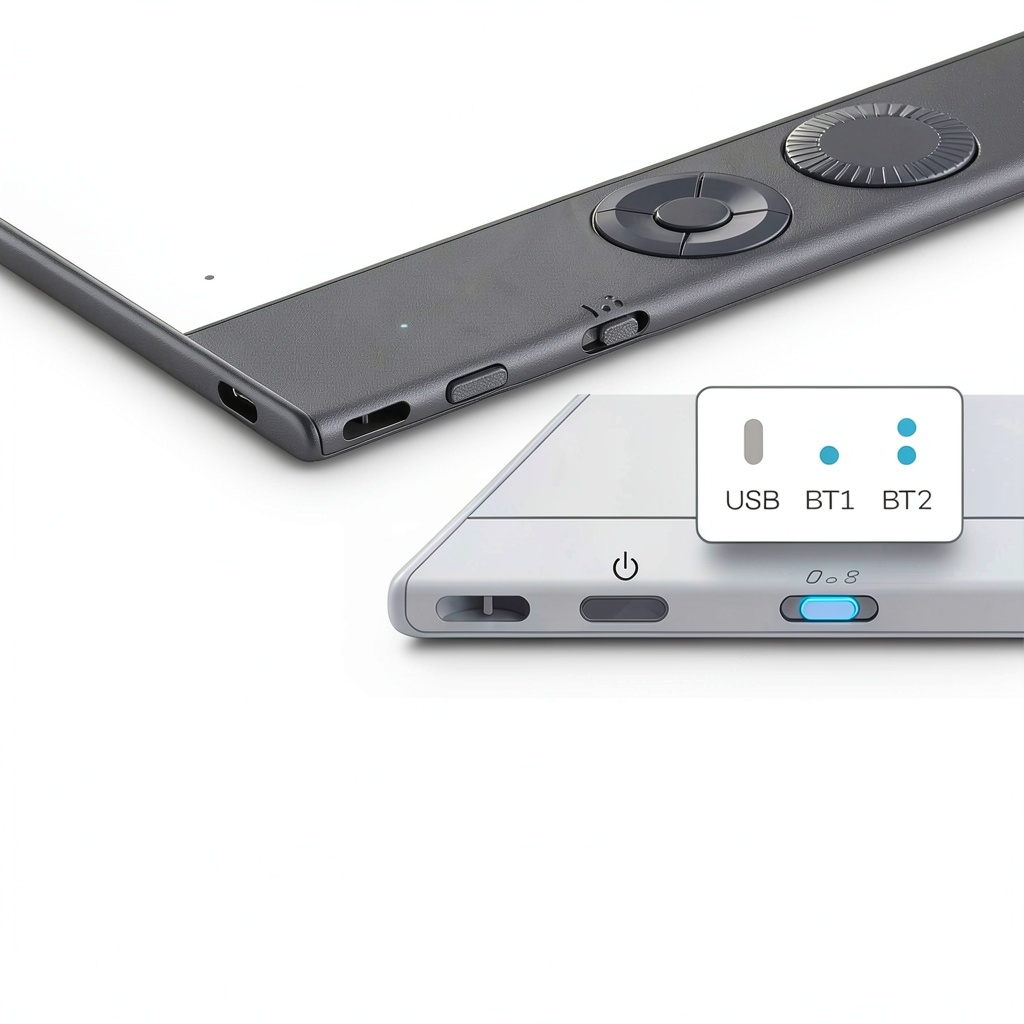
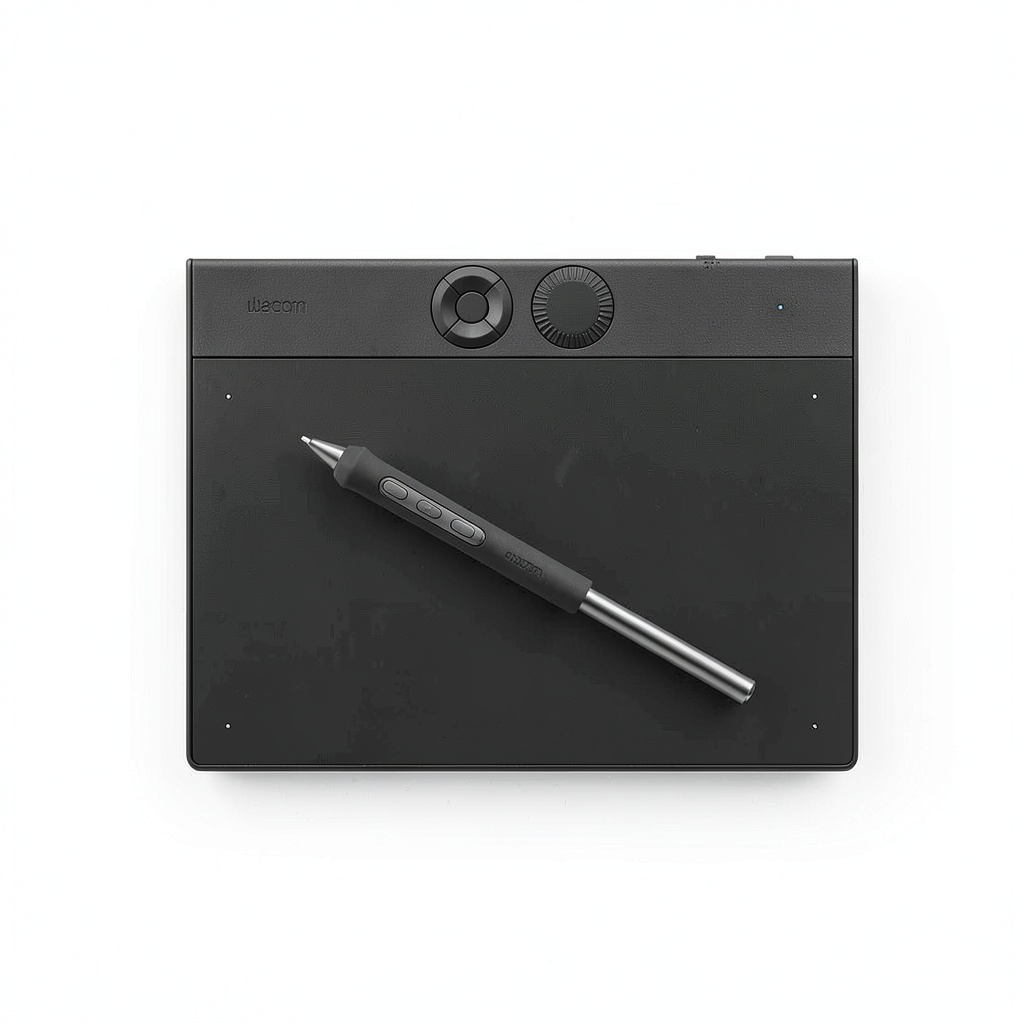
The Wacom Intuos Pro Small Bluetooth Professional Graphic Drawing Tablet is engineered for digital creators who demand precision and flexibility. Featuring Wacom’s advanced Pro Pen 3 technology, it provides 8192 levels of pressure sensitivity, tilt recognition, and lag-free tracking for smooth, natural strokes. The tablet’s active area measures 8.4 x 6.4 inches (215 x 163 mm) in a compact 16:9 format, ideal for modern wide displays and multi-monitor setups. Constructed from durable magnesium, it is sleek and robust, with a thickness of just 4mm at its slimmest point, offering a pen-on-paper feel. It includes customizable ExpressKeys and a mechanical dial for enhanced workflow efficiency, and supports both USB and Bluetooth connectivity for wireless freedom. System requirements include USB-A port, Windows 10 or later, or Mac OS 13 or later, with Bluetooth needed for wireless use.
Usage
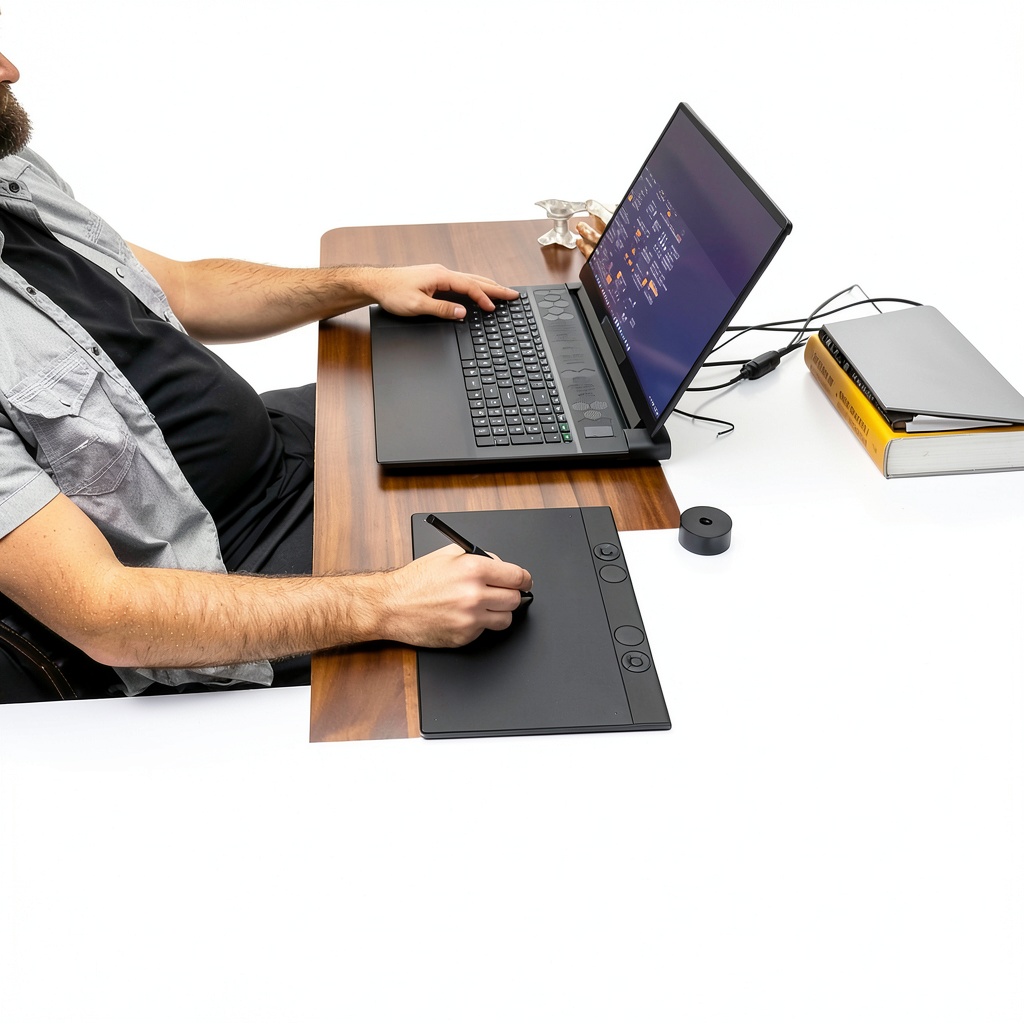
This tablet is designed for professional digital artists, illustrators, graphic designers, and photographers who require high precision in their creative projects. It is suitable for use in studio environments, home offices, or on the go, supporting tasks such as digital painting, photo editing, 3D modeling, and animation. The wireless Bluetooth capability allows seamless switching between computers, making it ideal for freelancers and remote workers who value portability and efficiency. Its compatibility with multiple monitors and wide displays ensures it integrates smoothly into modern workspace setups.
Why Choose Us
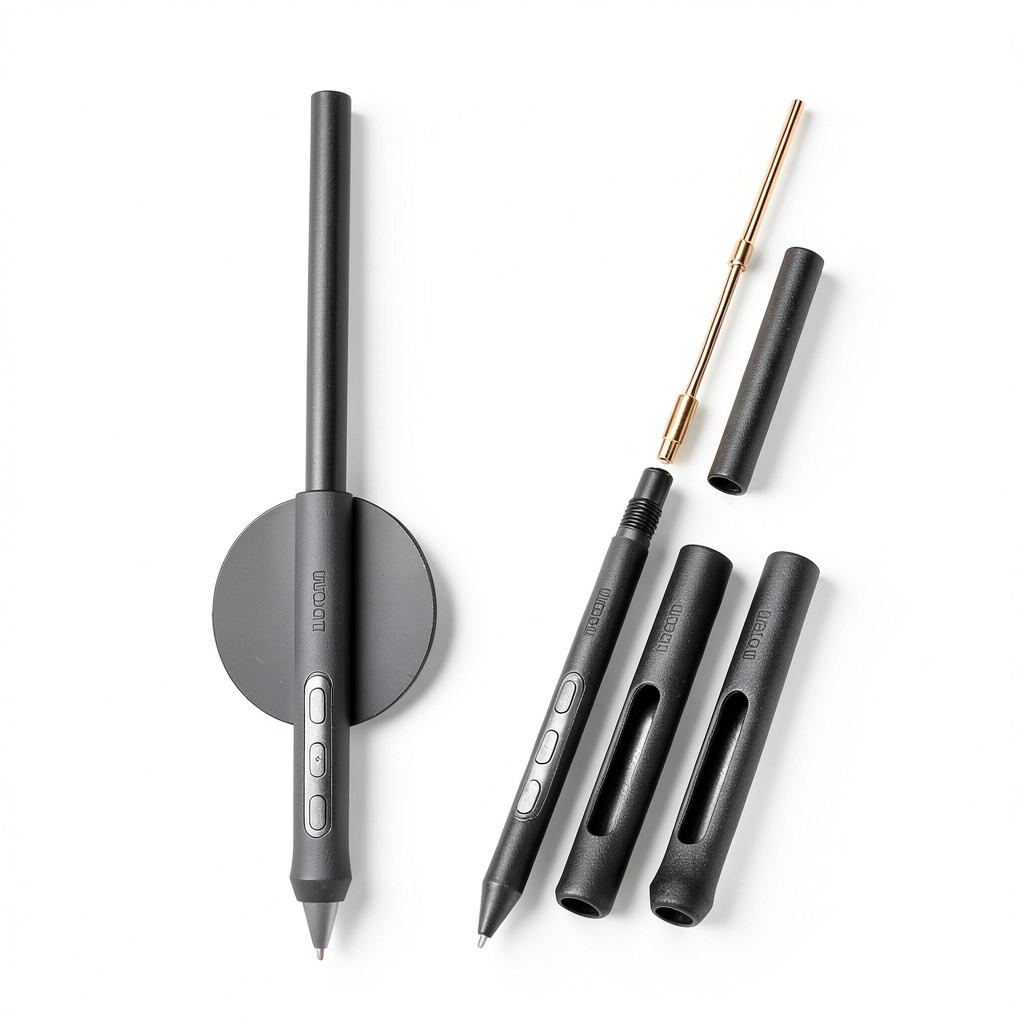
Wacom’s Intuos Pro series is renowned for its industry-leading pen technology and build quality, setting it apart from competitors. The Pro Pen 3 offers unparalleled accuracy and comfort, with customizable grips and balance weights to suit individual preferences. The magnesium construction ensures durability without sacrificing portability, and the inclusion of software trials for Capture One, Clip Studio Paint EX, and MASV file transfer adds immediate value. With a focus on ergonomics and user-centric design, this tablet supports long creative sessions without fatigue, backed by Wacom’s reputation for reliability and innovation in digital input devices.
Key Features
- Pro Pen 3 with 8192 pressure levels, tilt support, and lag-free tracking for precise control
- Customizable ExpressKeys and mechanical dial for faster workflow and productivity
- Bluetooth and USB connectivity for flexible wired or wireless operation
- Compact 16:9 active area optimized for wide displays and multi-monitor setups
- Durable magnesium build with slim profile for portability and desk comfort
FAQ
What software is included with the Wacom Intuos Pro?
Upon registration, you receive trials for Capture One, Clip Studio Paint EX, and MASV file transfer service, providing tools for photo editing, illustration, and large file sharing.
Is the tablet compatible with both Windows and Mac computers?
Yes, it supports Windows 10 or later and Mac OS 13 or later, with a USB-A port required for wired connection and Bluetooth for wireless use.
Can I use the tablet without installing drivers?
For full functionality, including pressure sensitivity and ExpressKeys, installing the latest Wacom drivers is recommended, though basic operation may work with default system drivers.
How does the wireless Bluetooth connection work?
Simply pair the tablet with your computer via Bluetooth for cable-free use; it supports multiple devices and can switch easily, though battery life depends on usage patterns.
What accessories come in the box?
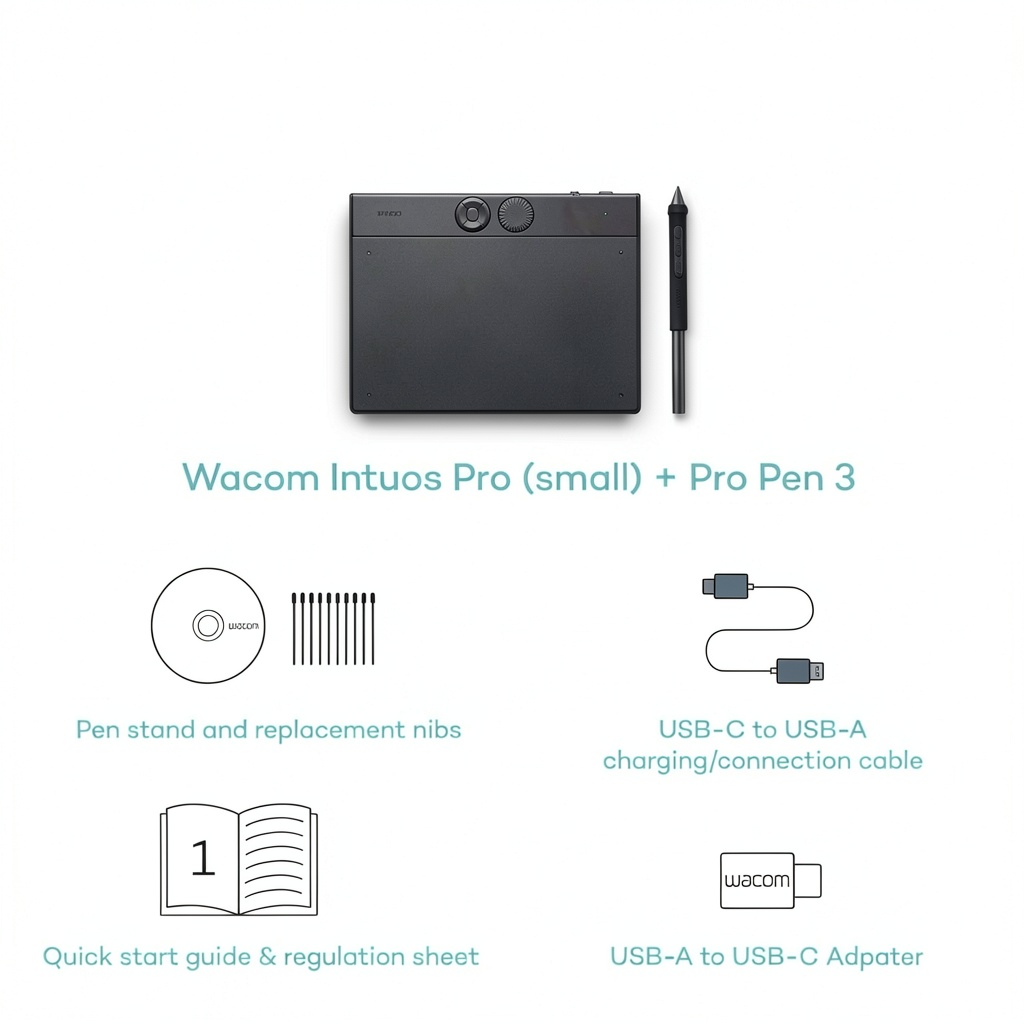
The package includes the Intuos Pro tablet, USB C-to-A cable, Pro Pen 3, grips (flare and straight), balance weight, button covers, pen stand, replacement nibs (5 standard, 3 felt, 2 rubber), nib removal tool, quick start guide, regulation sheet, and USB A-to-C adapter.
 Midland X-Talker Extreme 38-Mile FRS Two-Way Radios
Reviews
There are no reviews yet.