

Description
Product Overview
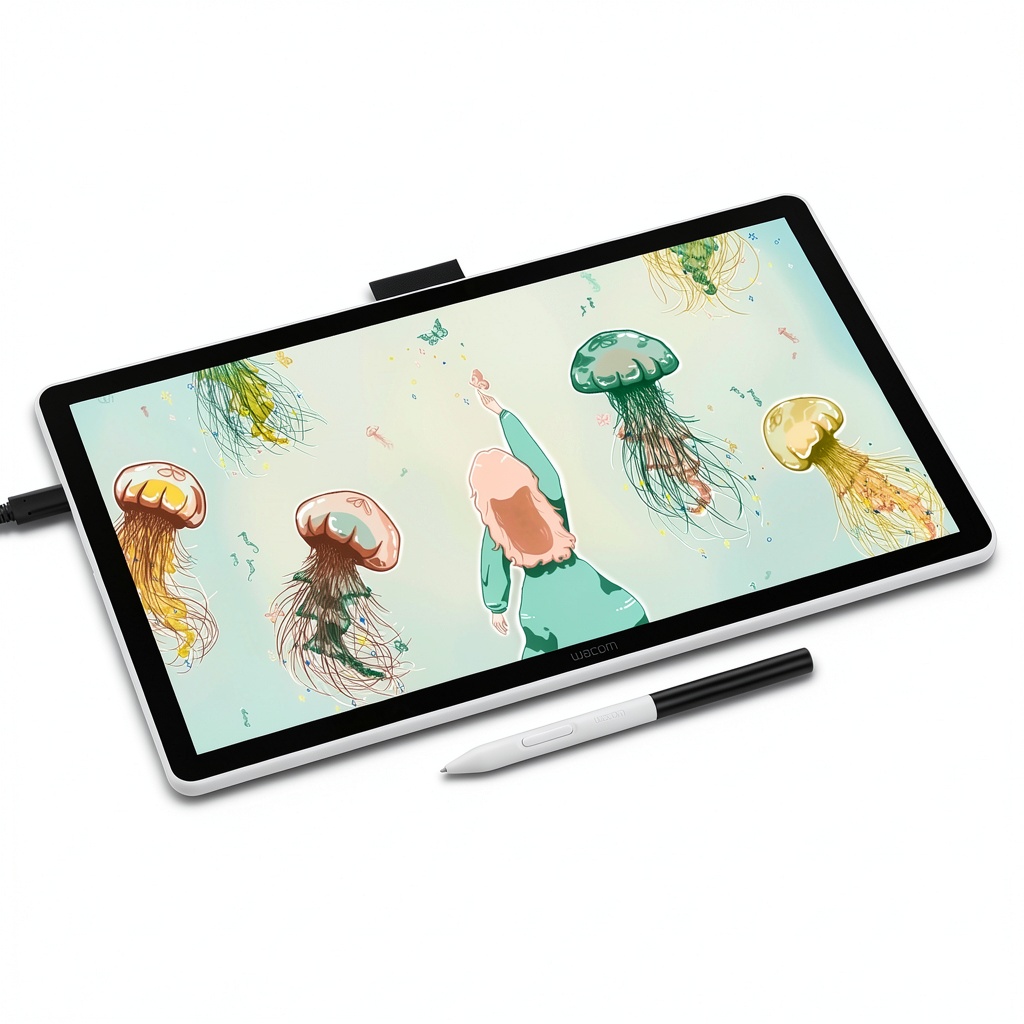
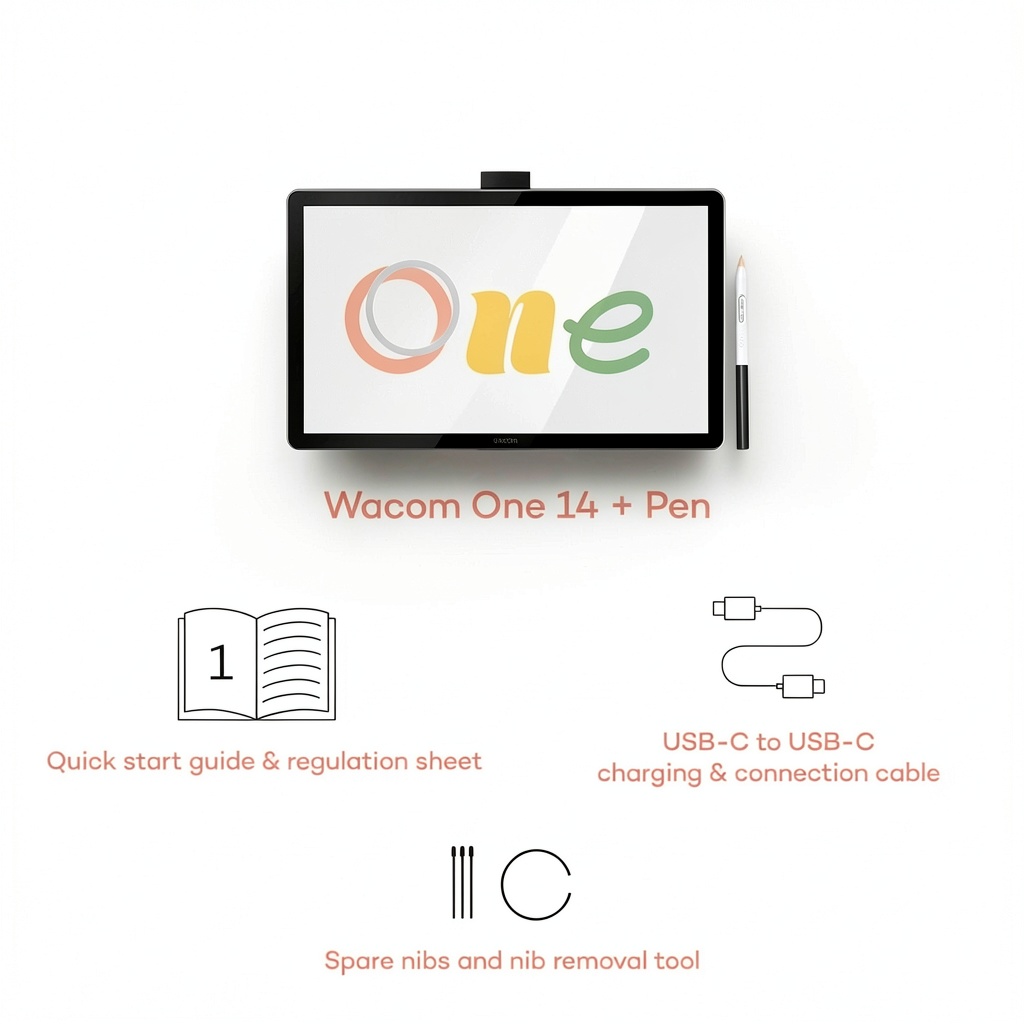
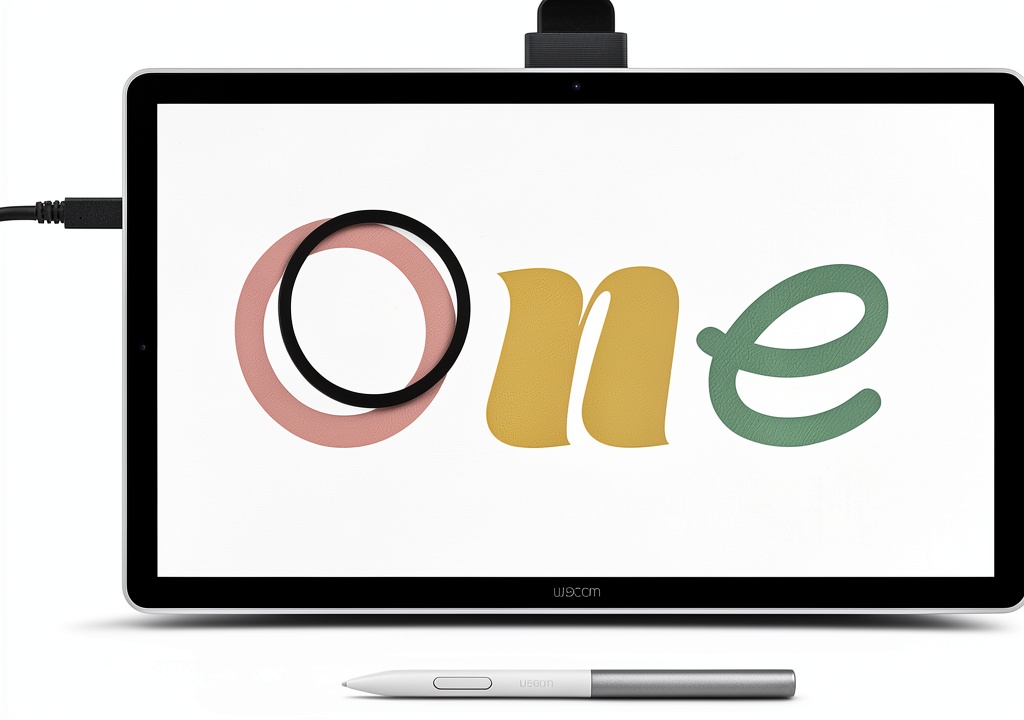
The Wacom One 14 pen display is designed for digital creators seeking a professional drawing experience. It features a 14-inch laminated IPS Full HD display with 98% sRGB color accuracy, providing vibrant colors and sharp details. The screen has a paper-like texture that reduces glare and prevents smudging, allowing for extended creative sessions. This drawing tablet includes a battery-free pen that responds to pressure sensitivity for natural line variation. It comes with a USB-C cable for easy connectivity and is compatible with Windows 10 or later, Mac OS 13 or later, and Chromebook devices. The package includes the Wacom One body, pen, USB-C cable, quick start guide, replacement nibs, and nib removal tool.
Usage
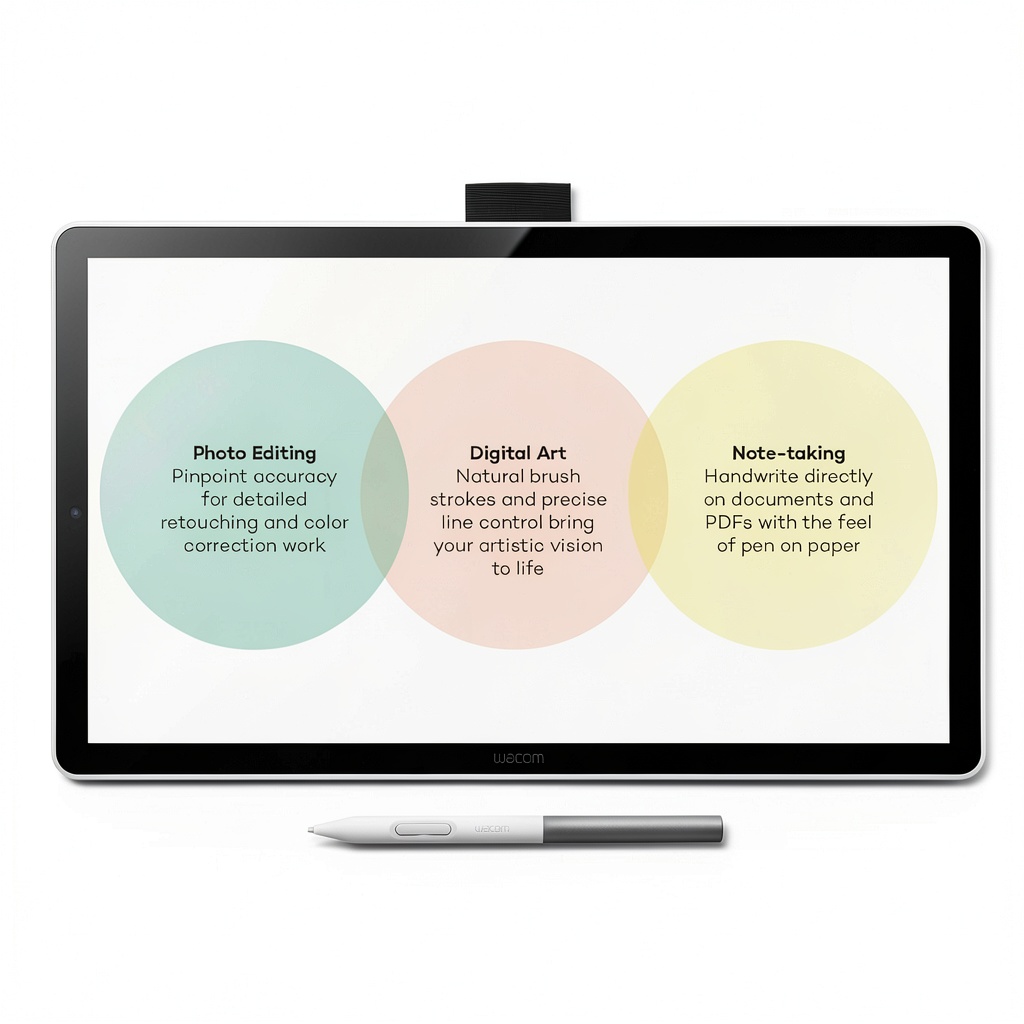
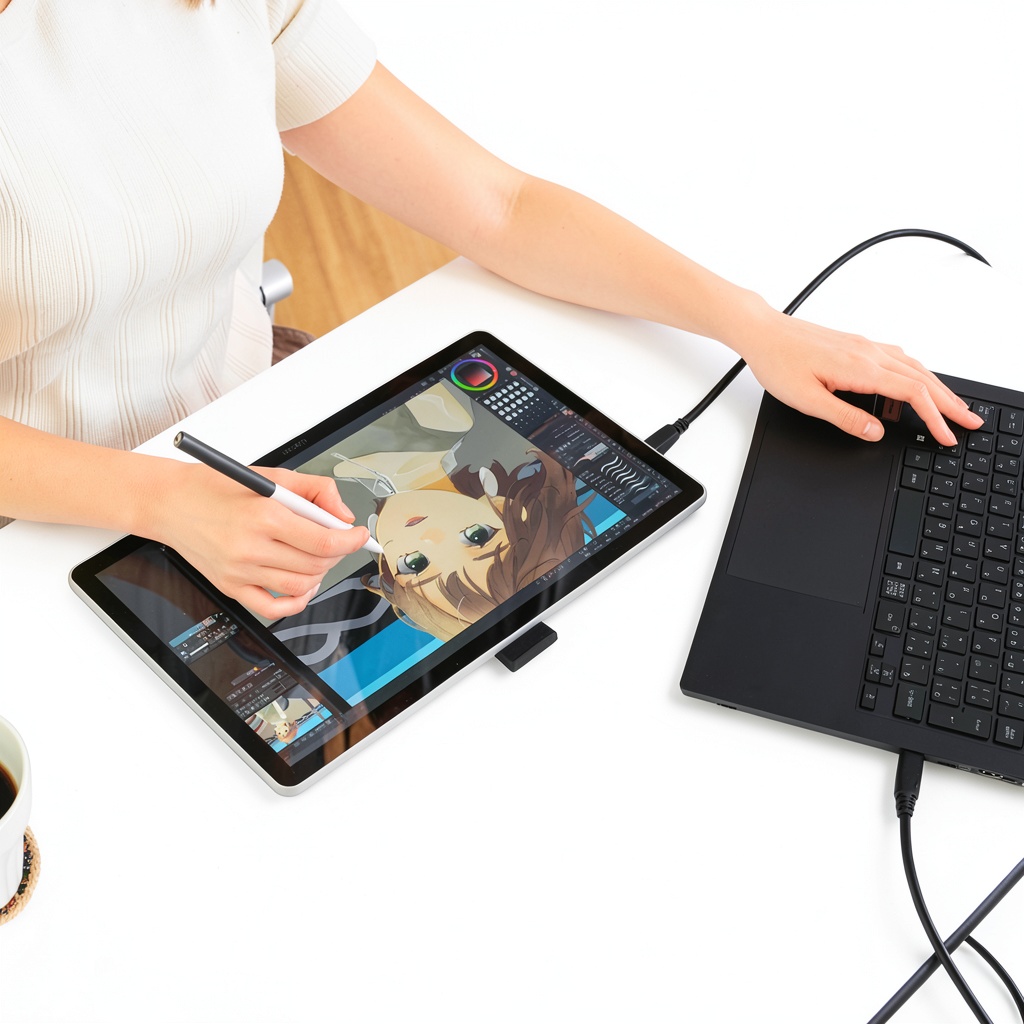
The Wacom One 14 is perfect for digital artists, illustrators, graphic designers, and students working on creative projects. It is commonly used in home studios, offices, and classrooms for drawing, painting, photo editing, and design tasks. The tablet supports various software applications, making it suitable for both professional work and hobbyist activities. Its plug-and-play functionality ensures quick setup without driver issues, ideal for users who value reliability and ease of use.
Why Choose Us
Wacom is renowned for its precision and durability in digital drawing tools. The Wacom One 14 offers proven reliability with seamless computer integration, eliminating common connectivity problems found in cheaper alternatives. The laminated display reduces parallax for accurate cursor placement, while the battery-free pen provides a consistent drawing experience without charging interruptions. Included software trials and Skillshare courses give users immediate access to professional tools and learning resources, enhancing the overall value.
Key Features
- 14-inch laminated IPS Full HD display with 98% sRGB color accuracy and paper-like texture
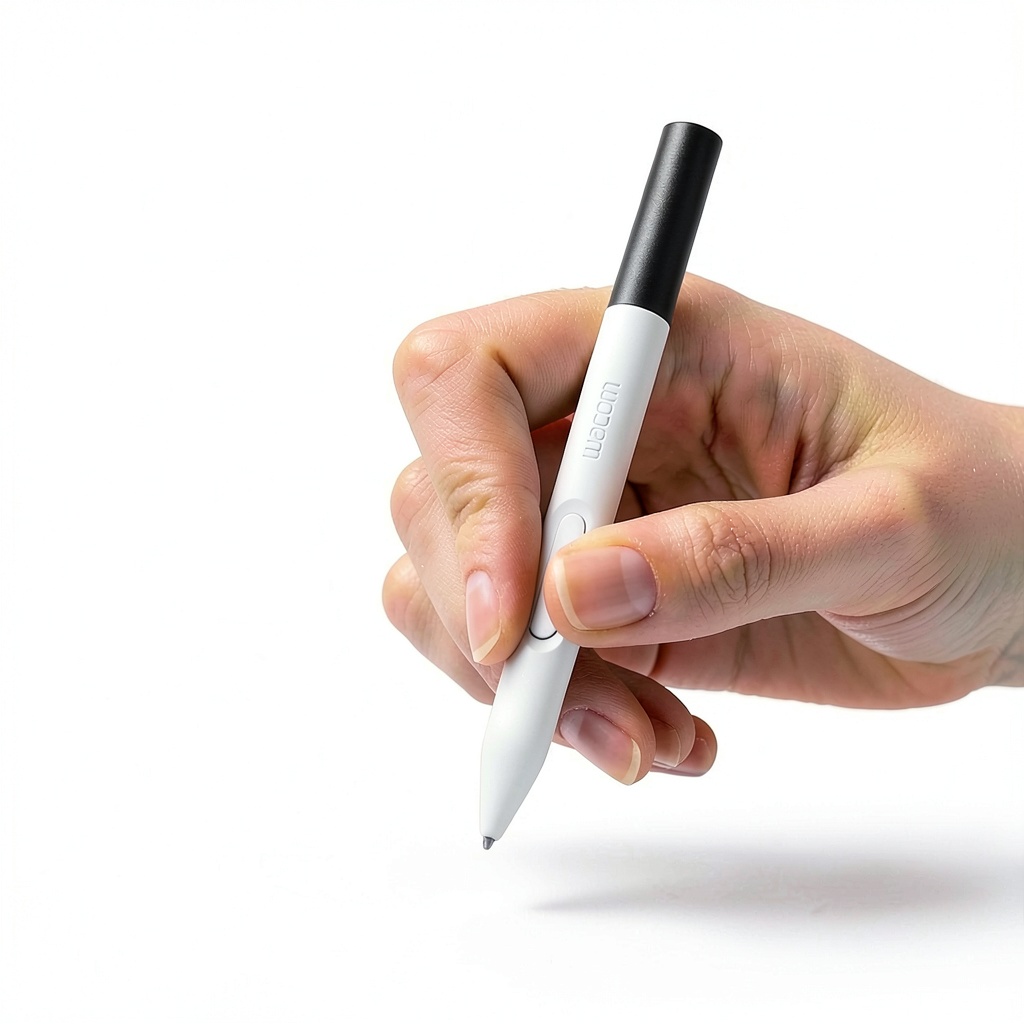
- Battery-free pen with responsive pressure sensitivity for natural drawing control
- Includes trials of Clip Studio Paint Pro, Magma, Concepts, Foxit software, and Skillshare courses
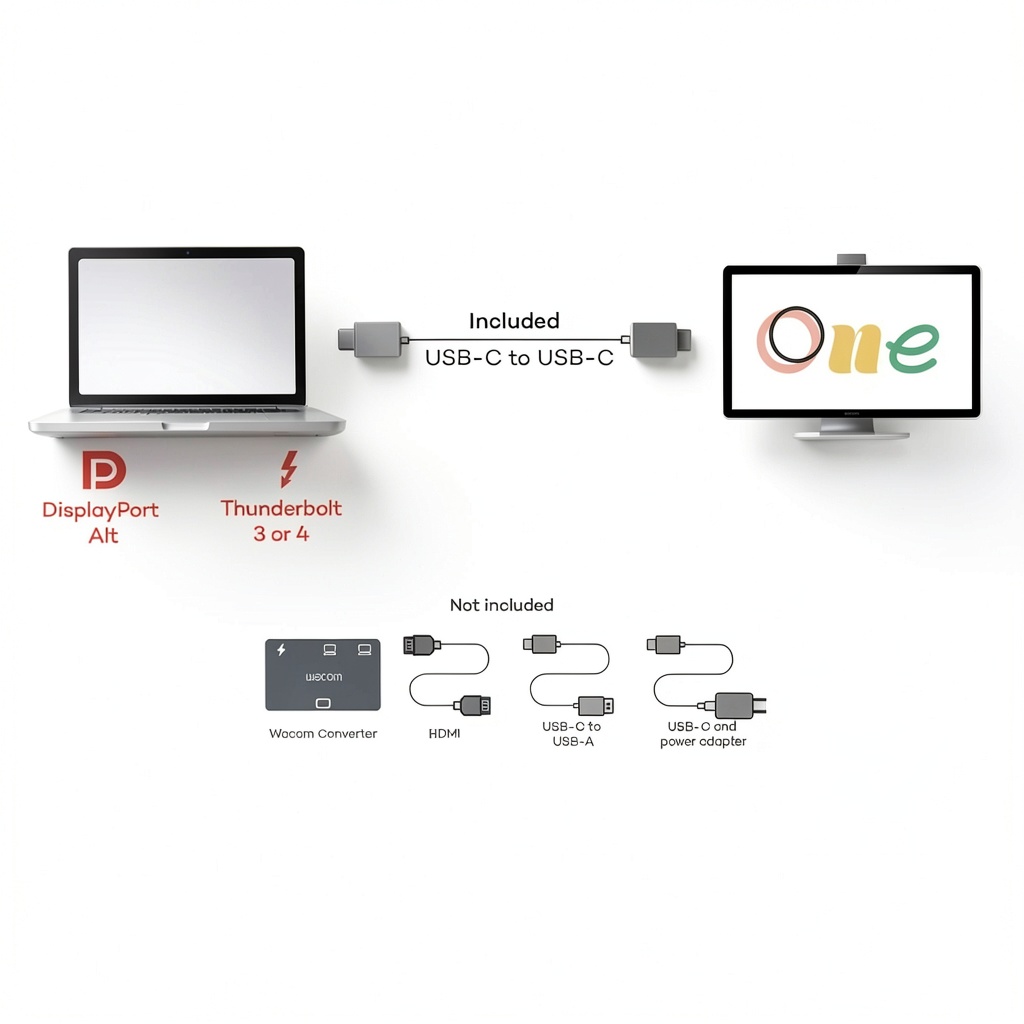
- Plug-and-play compatibility with PC, Mac, and Chromebook via USB-C connection
- Proven reliability with no driver issues or disconnections during use
FAQ
What software is included with the Wacom One 14?
The Wacom One 14 includes trial versions of Clip Studio Paint Pro, Magma, Concepts, and Foxit software, along with access to Skillshare training courses to help you start creating immediately.
Does the pen require batteries or charging?
No, the Wacom One pen is battery-free and does not require charging, ensuring uninterrupted drawing sessions and consistent performance.
What devices are compatible with this drawing tablet?
The tablet is compatible with PCs running Windows 10 or later, Macs with OS 13 or later, and Chromebooks. It connects via a single USB-C cable; devices needing HDMI require a separate converter kit.
How does the display reduce glare and smudging?
The laminated display features a paper-like texture that minimizes glare and prevents smudging, providing a comfortable viewing experience similar to traditional paper.
What is included in the box?
The package contains the Wacom One 14 body, USB-C cable, Wacom One pen, quick start guide, installation guide, three replacement nibs, and a nib removal tool.

Reviews
There are no reviews yet.