

Description
Product Overview
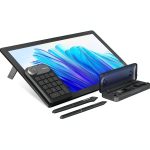
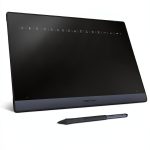
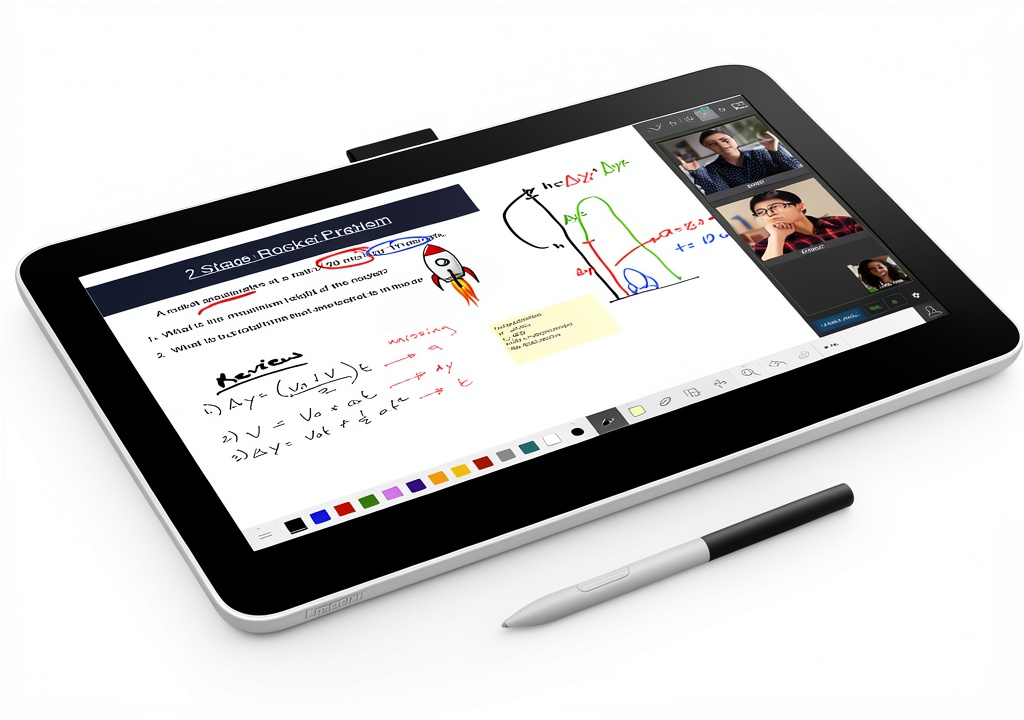
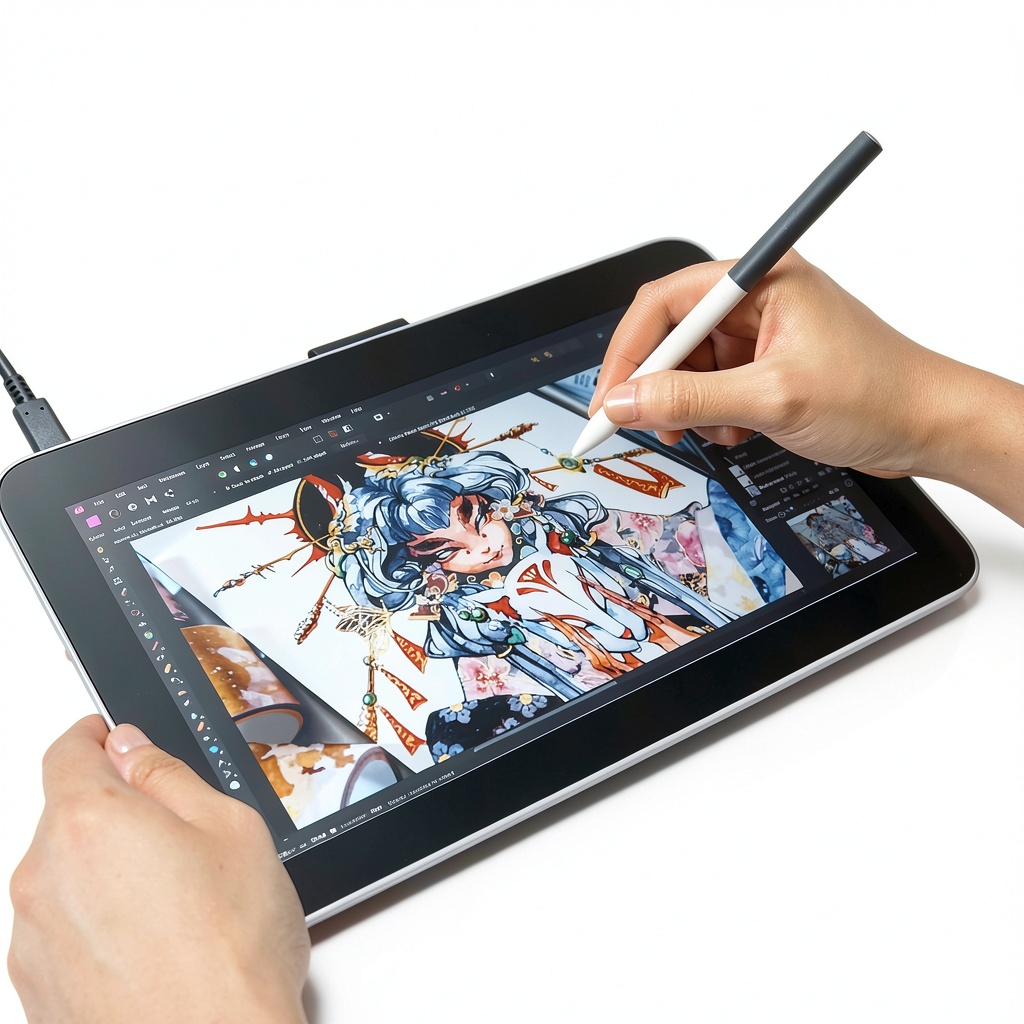
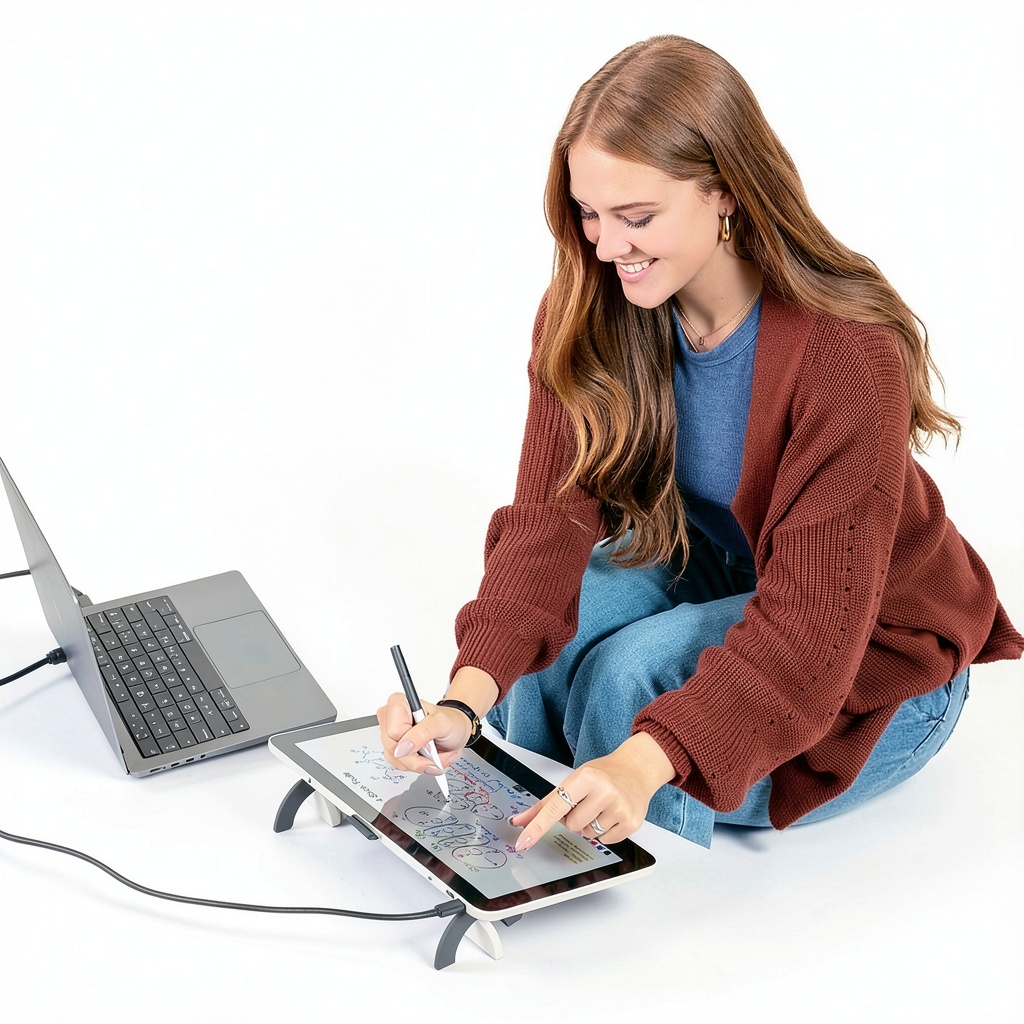
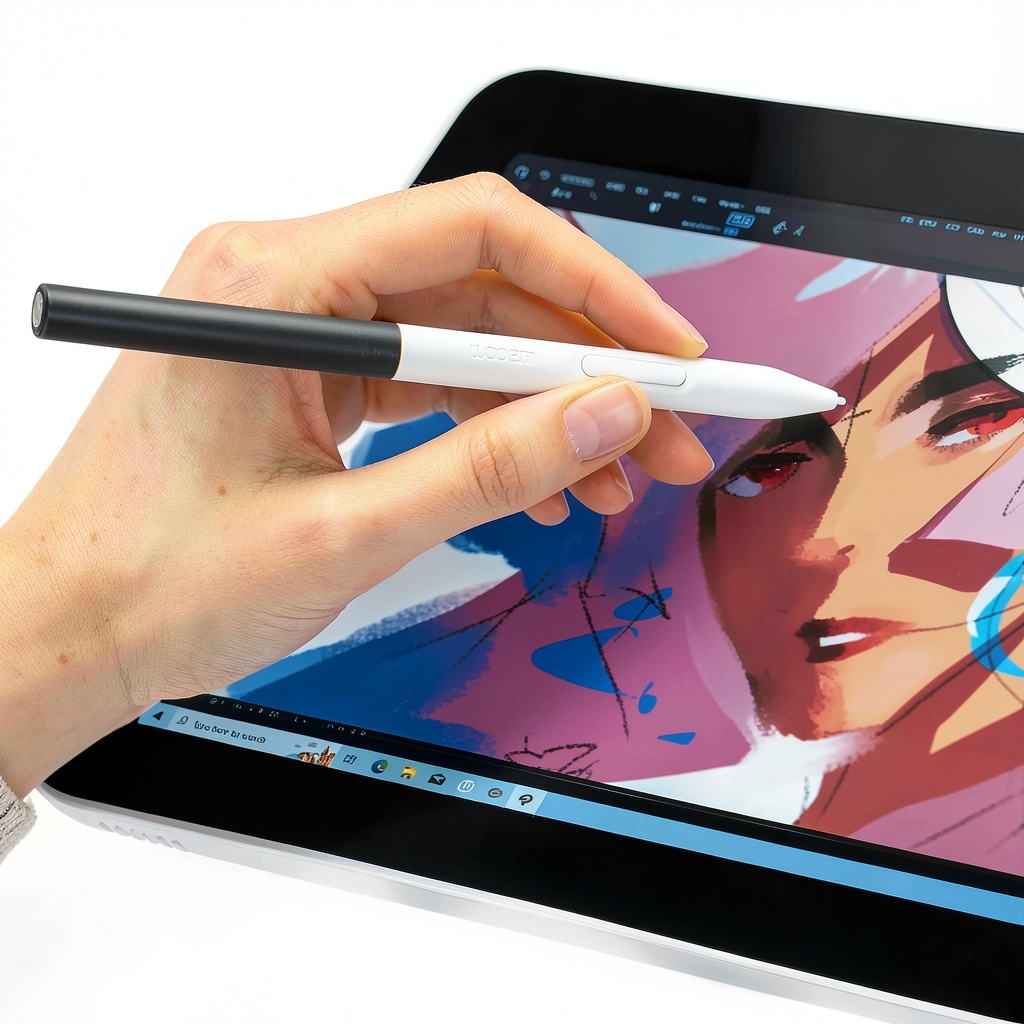
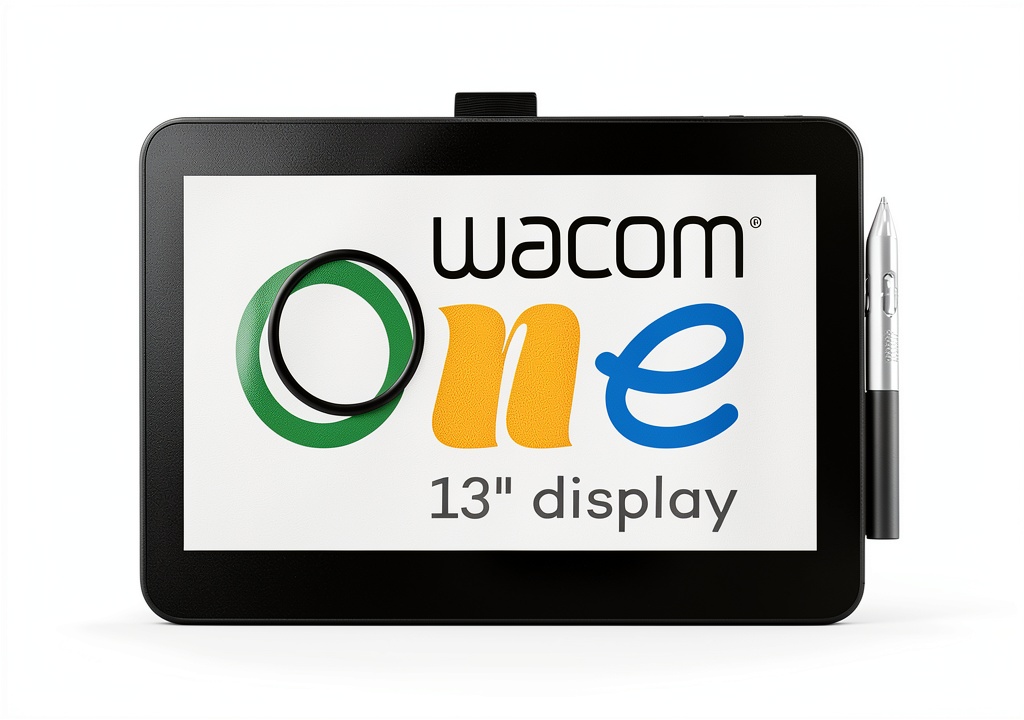
The Wacom One 13 Touch Display is a 13.3-inch HD fully-laminated anti-glare touchscreen designed for digital creation, featuring Wacom’s EMR battery-free pen technology that mimics the feel of drawing on paper. It includes a standard pen with customizable shortcut buttons, USB-C cables, a power adapter, and spare nibs, supporting connectivity with PCs (Windows 10+), Macs (OS 11+), Chromebooks, and Android devices (OS 8.0+). Registration unlocks the Wacom Adventure Program, offering creative software, online training, and inspiration to maximize productivity.
Usage
This display is ideal for artists, designers, students, and professionals working in environments like home studios, offices, or classrooms. Use it for sketching, photo editing, visual communication, and brainstorming, providing a hands-on experience that enhances creativity and workflow efficiency. Its compatibility with various devices makes it versatile for on-the-go or stationary setups, catering to both beginners and experienced creators.
Why Choose Us
Wacom One stands out with its industry-leading EMR pen technology, ensuring precision and control without batteries, along with a durable anti-glare screen that reduces eye strain. The included software and training resources provide ongoing support, while the customizable shortcuts and broad device compatibility offer flexibility and time savings, backed by Wacom’s reputation for quality and innovation in digital tools.
Key Features
- 13.3-inch HD fully-laminated anti-glare touchscreen for vibrant, accurate color display
- Battery-free EMR pen technology for natural, precise drawing and editing
- Customizable pen shortcut buttons to streamline workflows and reduce interruptions
- Access to Wacom Adventure Program with creative software and training resources
- Wide compatibility with PCs, Macs, Chromebooks, and Android devices via USB-C
FAQ
What devices are compatible with the Wacom One 13 Touch Display?
It works with PCs running Windows 10 or later, Macs with OS 11 or later, Chromebooks on the latest Chrome OS, and Android smartphones or tablets with OS version 8.0 or higher, using USB-C connections or optional HDMI cables.
Does the pen require batteries or charging?
No, the Wacom One Standard Pen uses EMR technology, which is battery-free and provides a natural drawing experience without the need for power sources.
What software is included with the Wacom Adventure Program?
Upon registration, you gain access to a selection of creative, education, and productivity software, along with online training and inspirational content to help you develop your skills and projects.
Can I use the display with multiple devices?
Yes, it supports connectivity with various devices, but you may need additional adapters or cables like the sold-separately HDMI 3-in-1 cable for certain setups to ensure proper function.
How do I customize the pen shortcut buttons?
You can assign favorite keyboard shortcuts, such as undo or copy/paste, through the Wacom driver software installed on your compatible device, allowing for personalized efficiency during creative tasks.
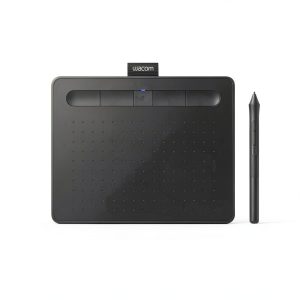
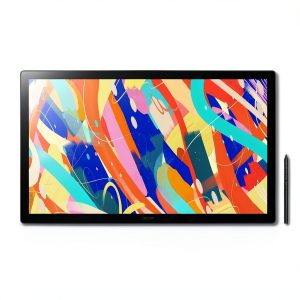 Wacom Cintiq 24 Touch Drawing Tablet Pro Pen 3 Display
 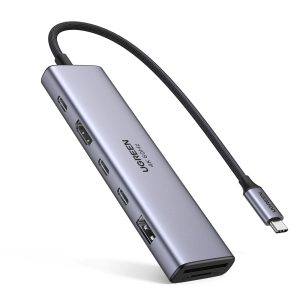 UGREEN 7-in-1 USB-C Hub 10Gbps 4K HDMI 100W Charging
Reviews
There are no reviews yet.