
Description
Product Overview
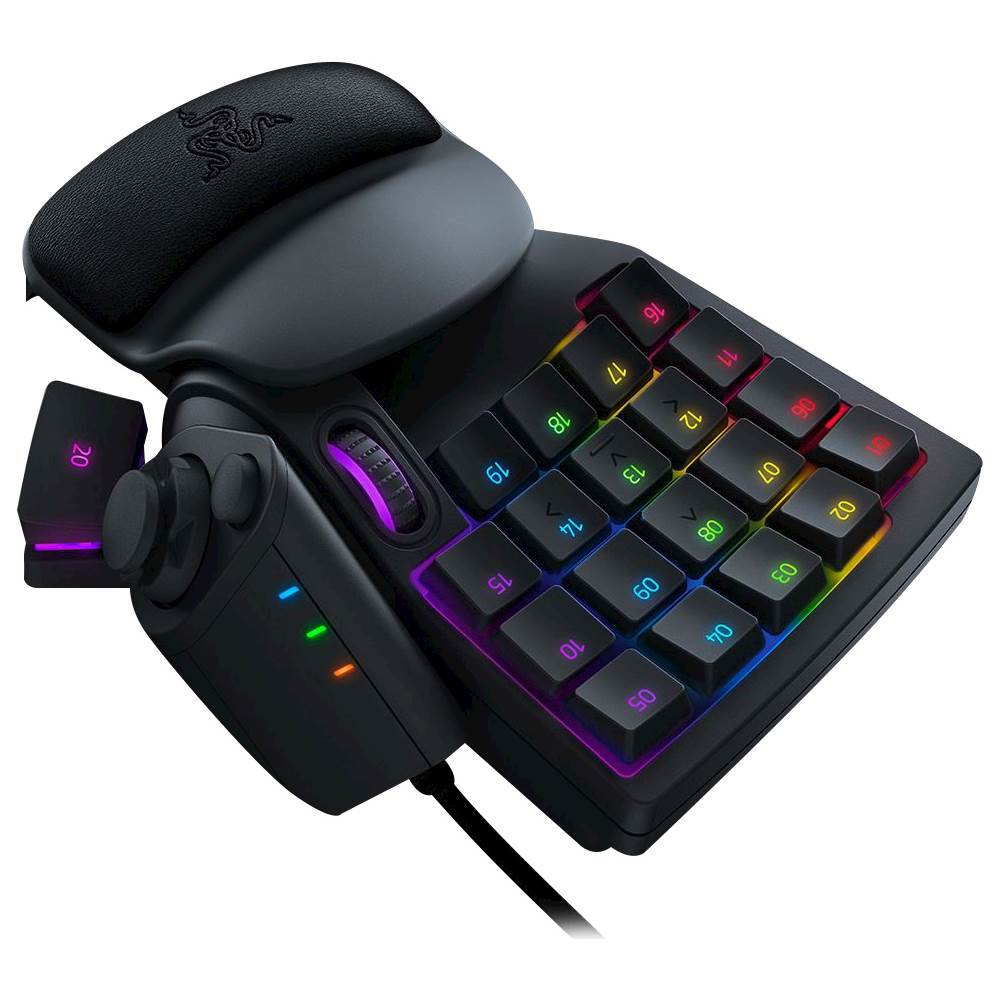
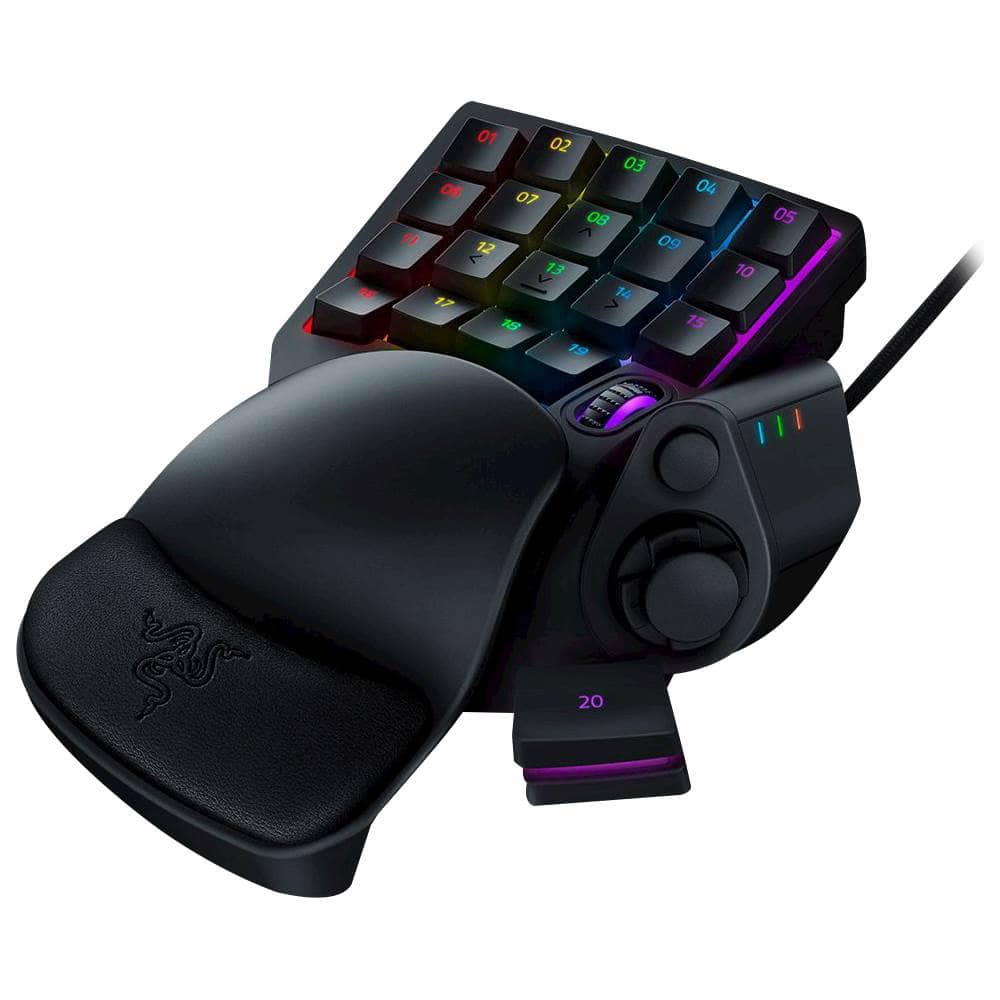
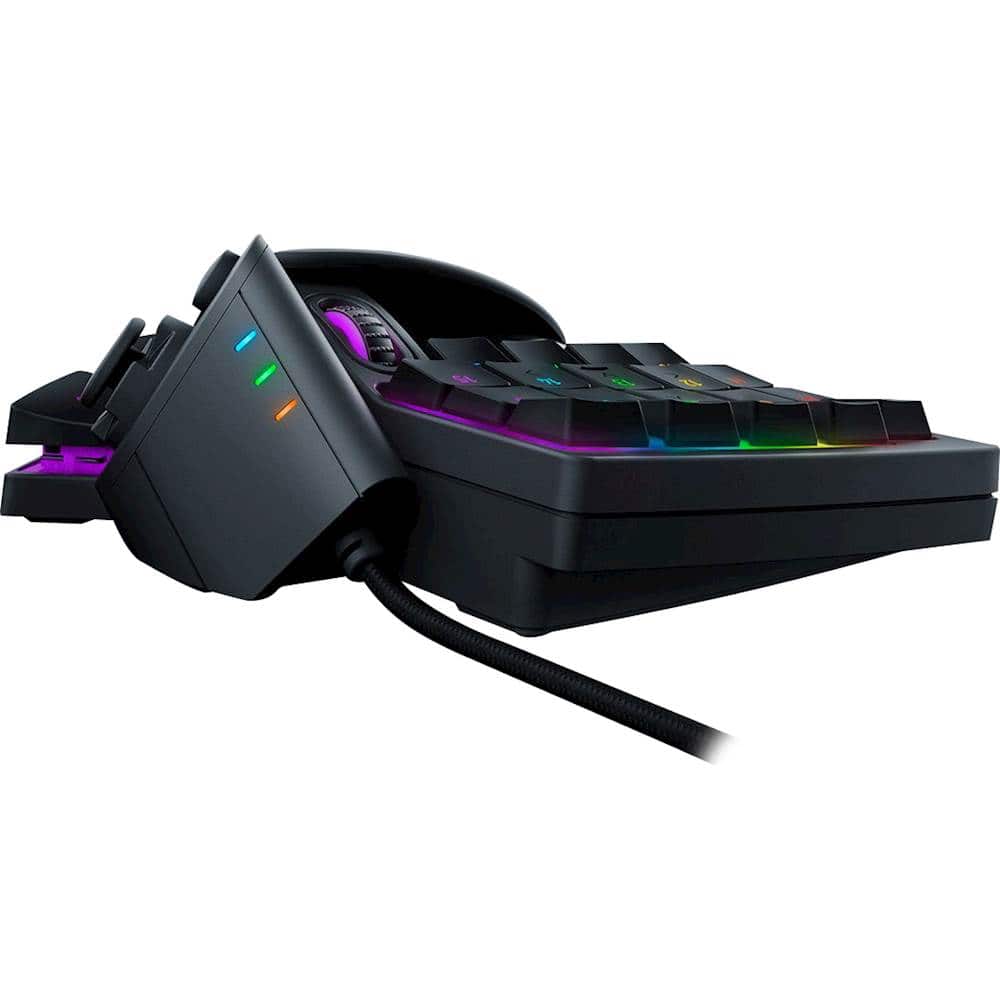
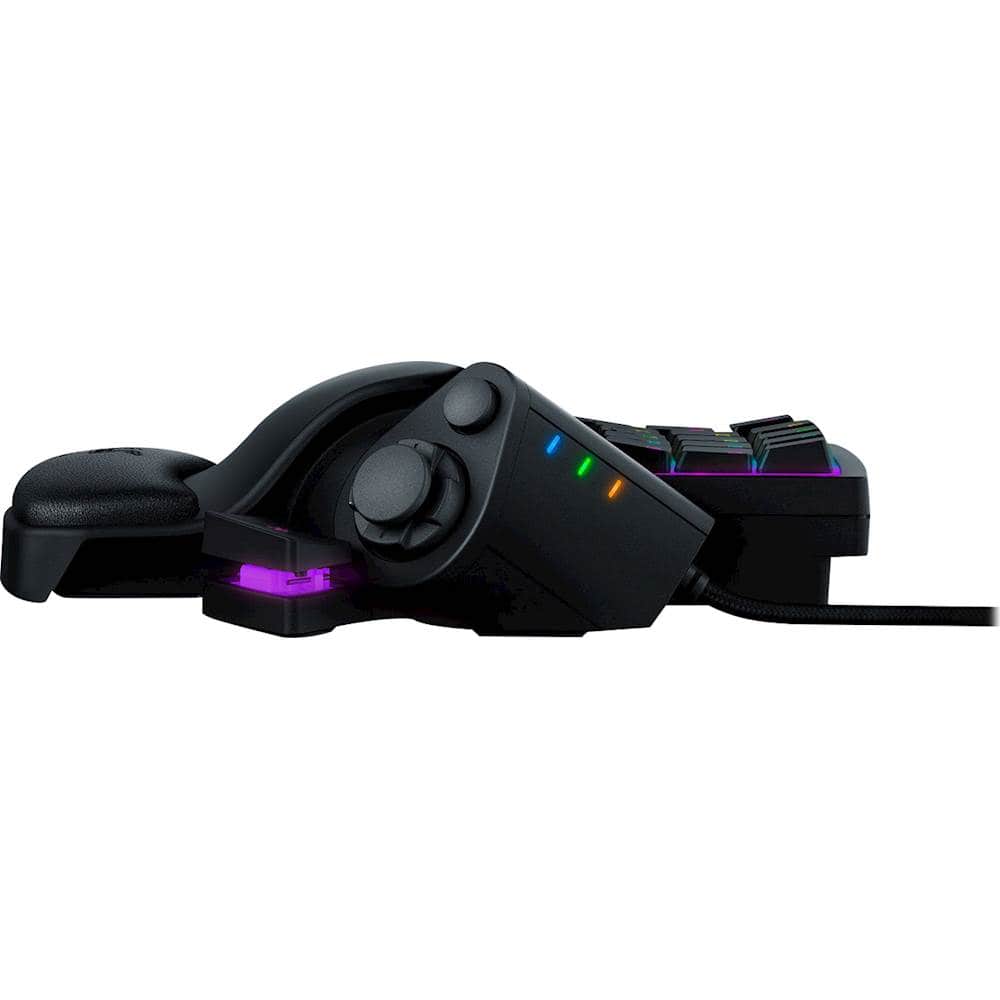
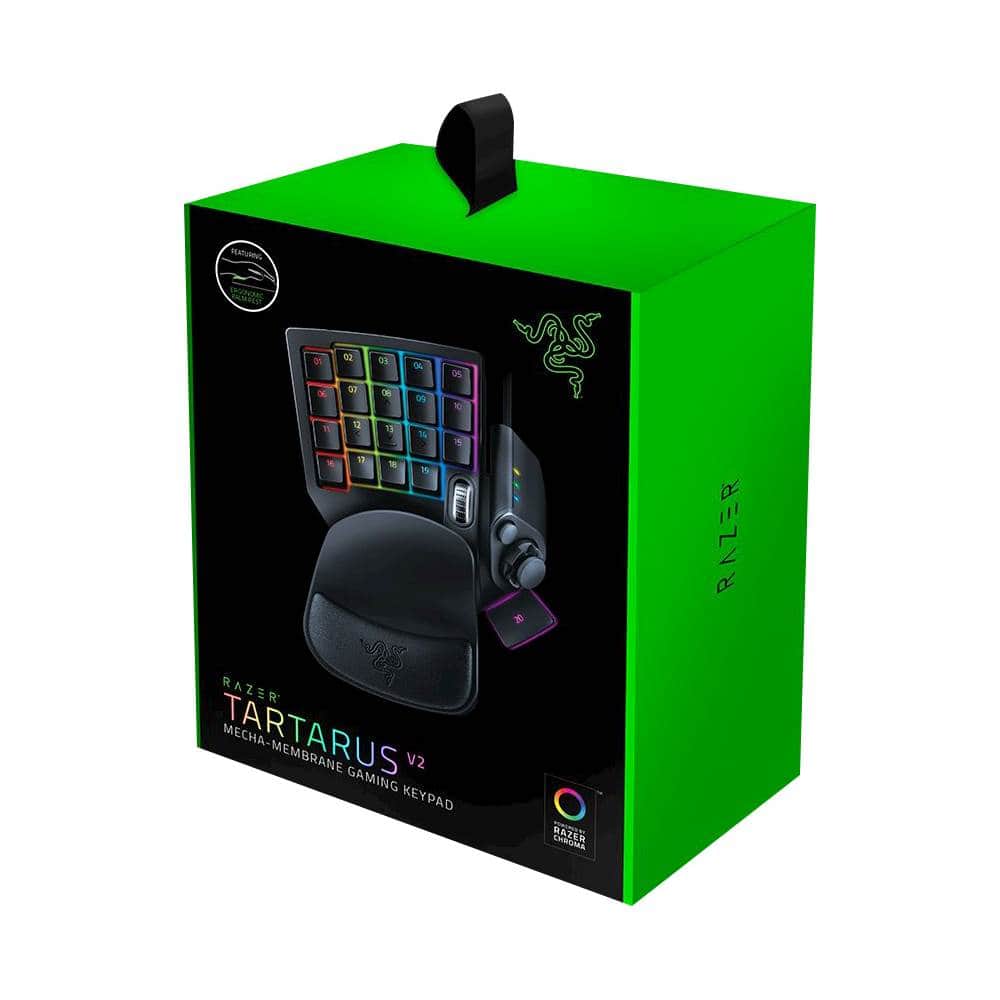
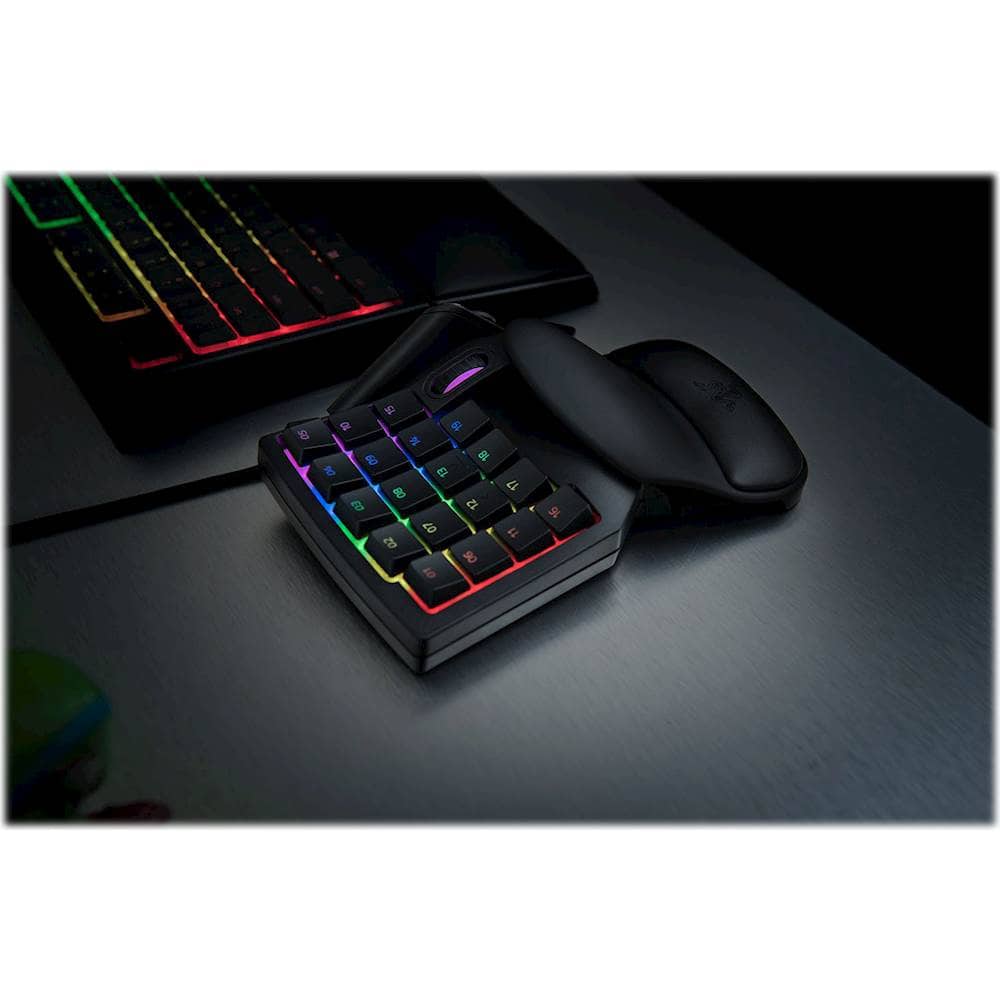
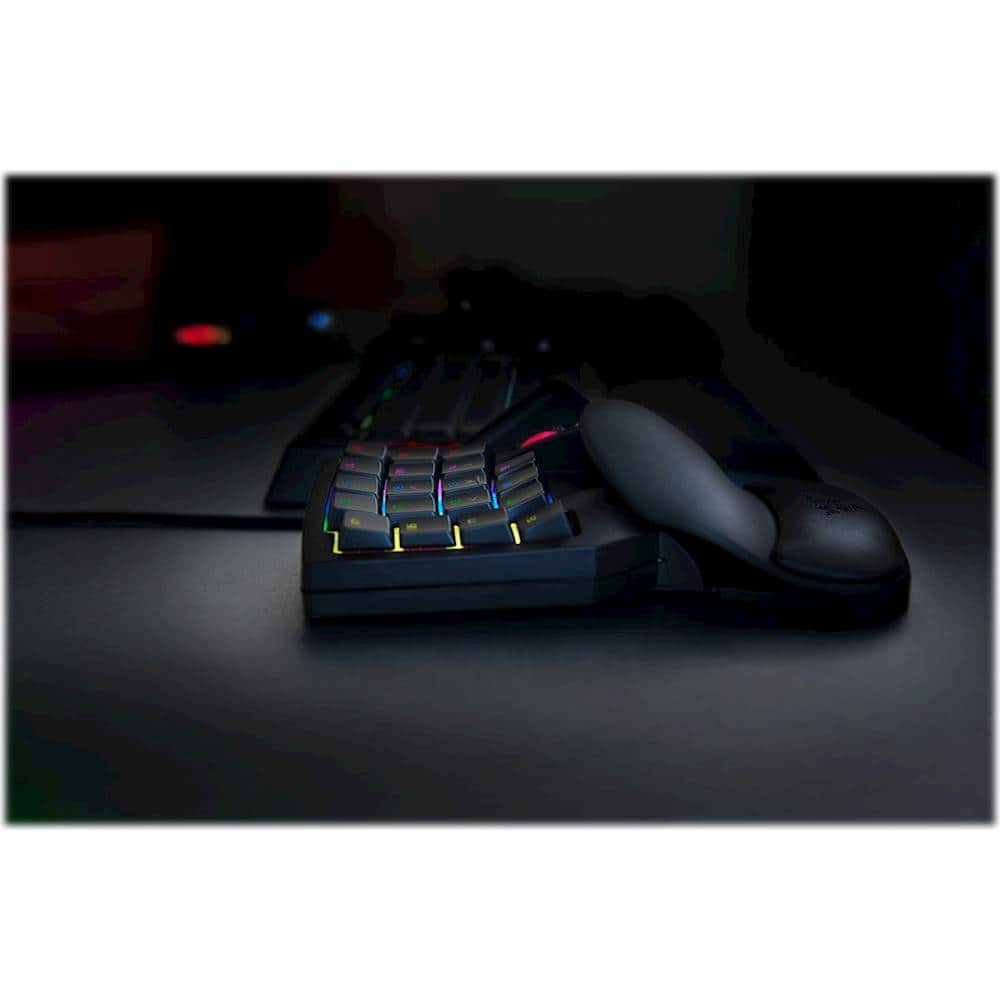
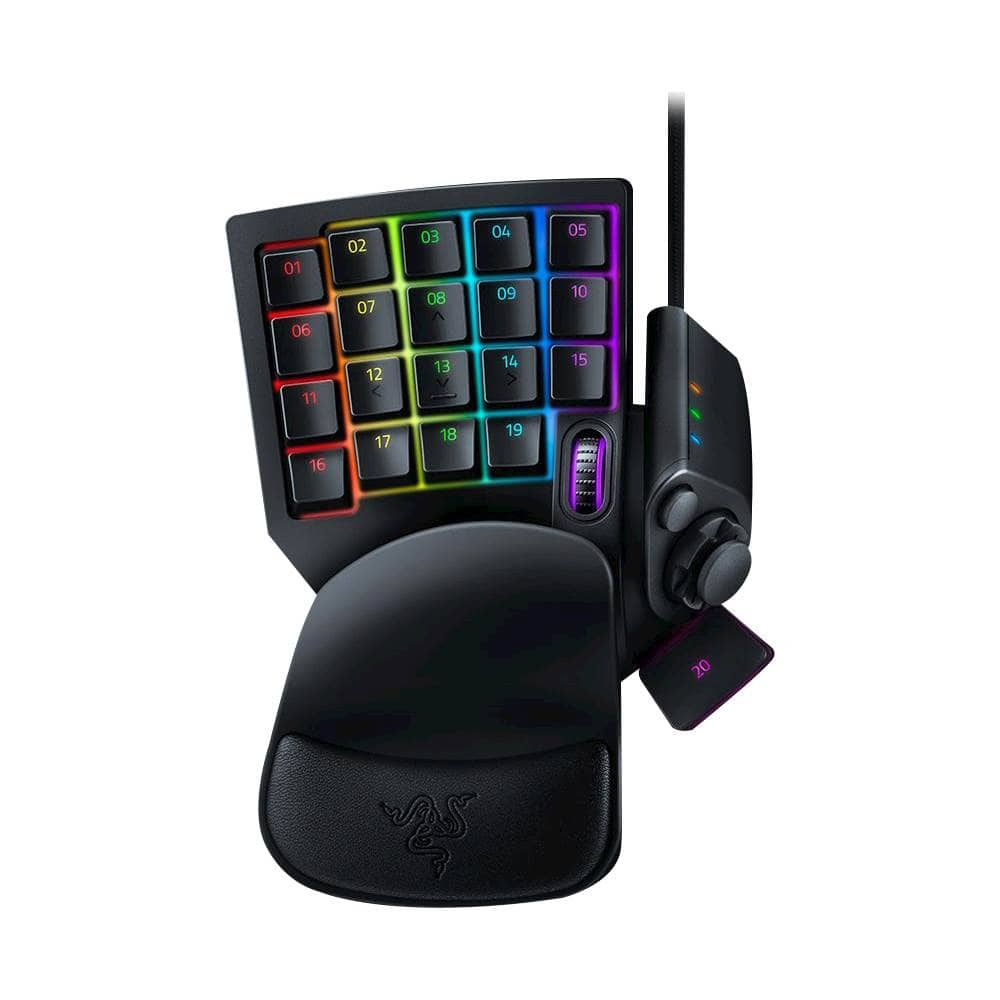
The Razer Tartarus V2 is a wired gaming keypad engineered for precision and comfort. It features 32 fully programmable keys with Razer Mecha-Membrane technology, blending the soft touch of membrane domes with the crisp feedback of mechanical switches. Backed by Razer Chroma RGB lighting with 16.8 million color options, it offers customizable aesthetics via Razer Synapse software. The keypad includes an 8-way directional thumbpad, scroll wheel, and ergonomic palm rest, all connected by a durable braided USB cable for reliable performance on Windows and Mac systems. Full anti-ghosting ensures every keystroke registers accurately, making it a versatile tool for gaming and productivity.
Usage
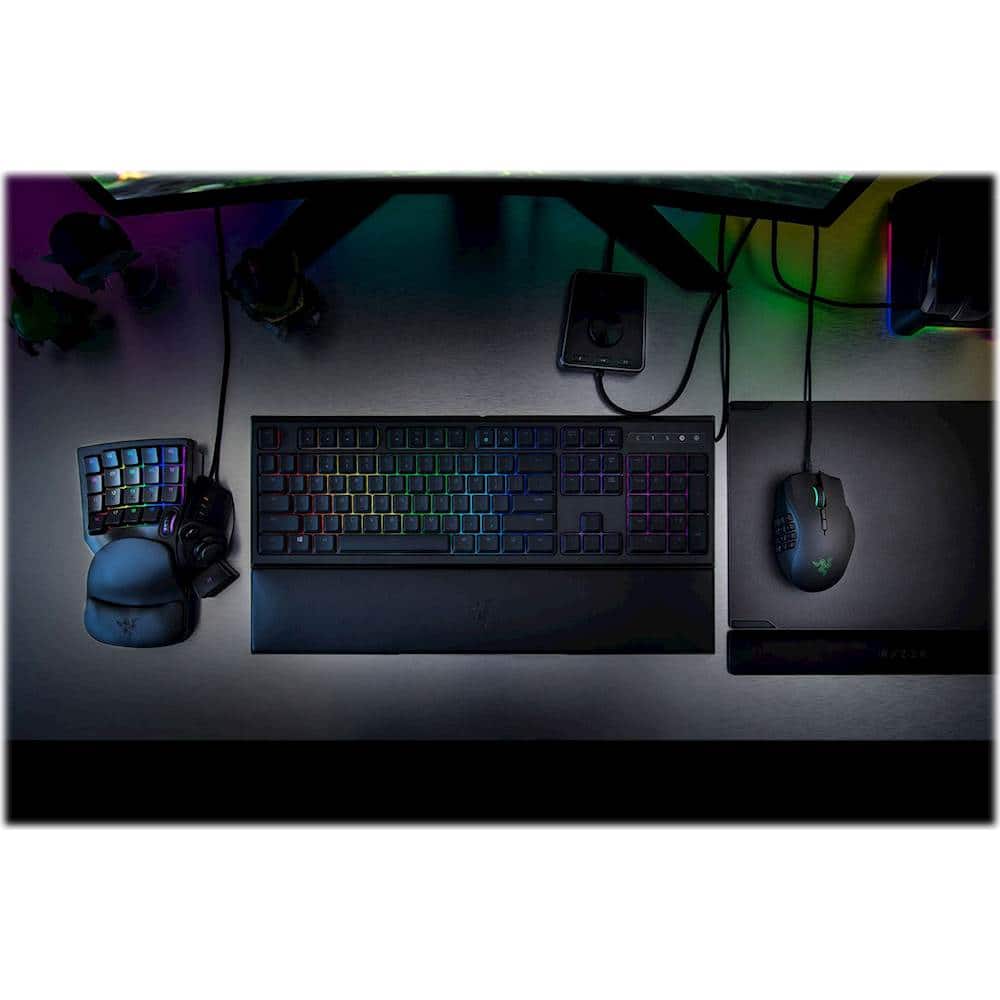
This keypad is ideal for gamers who require enhanced control and customization in fast-paced titles like MMOs, MOBAs, or shooters. Its compact design suits travel and LAN events, while the programmable keys streamline complex commands for streaming, editing, or workflow tasks. The ergonomic build reduces strain during long sessions, appealing to both casual and competitive players on PC or Mac platforms.
Why Choose Us
Razer’s Tartarus V2 stands out with its unique Mecha-Membrane technology, delivering tactile responsiveness without the noise of full mechanical switches. The Chroma lighting integration allows deep personalization, while the 32 programmable keys and thumbpad offer unmatched versatility. Built with quality materials and backed by Razer’s reputation, it ensures durability and consistent performance for diverse computing needs.
Key Features
- 32 programmable keys with anti-ghosting for precise input
- Razer Mecha-Membrane technology for tactile, quiet keystrokes
- Chroma RGB backlighting with 16.8 million color options
- 8-way directional thumbpad and scroll wheel for enhanced navigation
- Ergonomic palm rest and braided cable for comfort and reliability
FAQ
Is the Razer Tartarus V2 compatible with Mac computers?
Yes, the keypad works with both Windows and Mac operating systems, providing full functionality across platforms.
How do I customize the Chroma lighting and keys?
Use the Razer Synapse software to program each key, assign macros, and adjust the RGB lighting colors and effects easily.
What is the advantage of Mecha-Membrane technology?
It combines the cushioned feel of membrane domes with the tactile click of mechanical switches, offering swift actuation and comfort for extended use.
Can I use this keypad for non-gaming purposes?
Absolutely, the programmable keys and thumbpad are great for productivity applications like video editing, coding, or graphic design.
Does it include a warranty?
Refer to the owner’s manual or Razer’s support site for warranty details, typically covering defects in materials and workmanship.
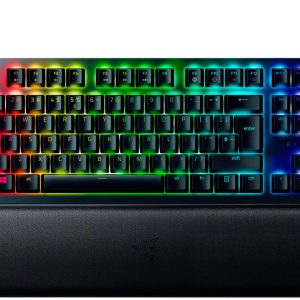 Razer Huntsman V2 TKL Gaming Keyboard Optical Switch RGB
Reviews
There are no reviews yet.